


Features
Design better Workflows
- Easier way to create a Workflow :
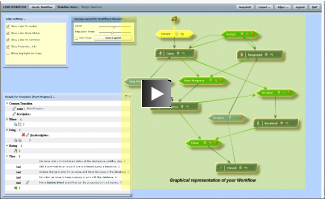
- with a Graphical Editor (Minyaa 3.x only)
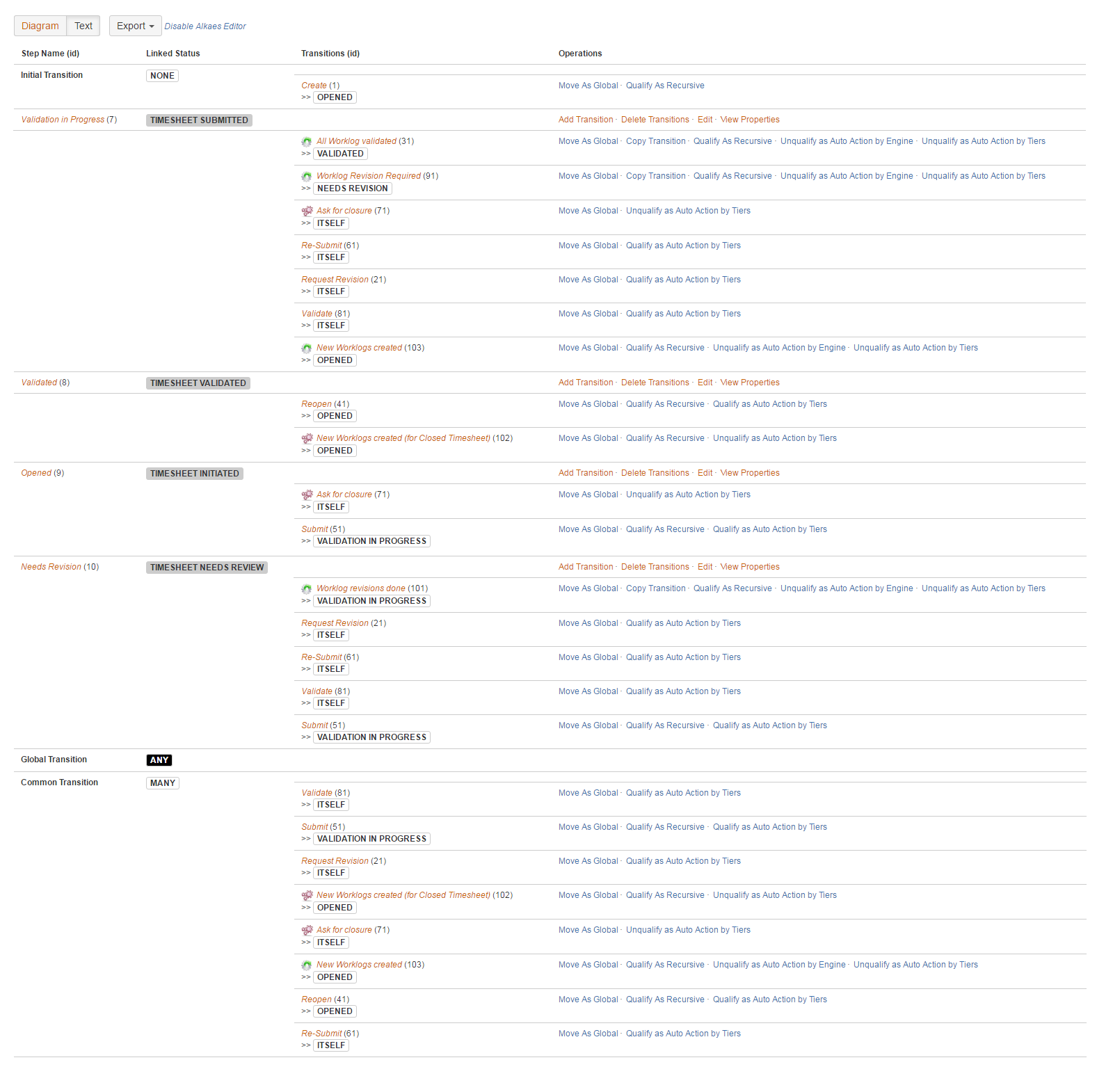
- with a Enhanced Workflow Editor (Minyaa 4.x only) - Allows you to define Common, Global transitions and more ...
Many Workflows Functions
- Additional security conditions able to :
- evaluate Issue Roles
- evaluate Issue context
- reserve transitions to special tasks
- Additional validators
- on Comment when specifying a Resoltion
- on count of selected versions
- ...
- Additional post-functions allowing :
- Field Inheritance or Propagation
- Auto-Transition Management
- more ...
(See details for
3.x
)
Define automatic transition in your workflow
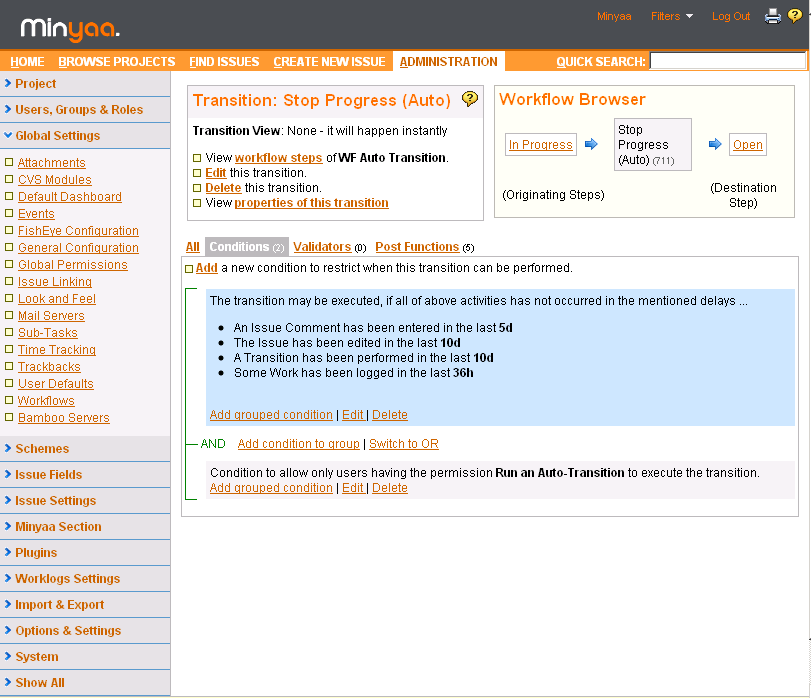
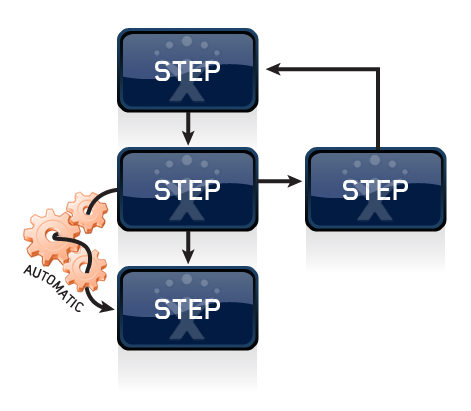
- Configure your workflow to allow Automatic Transitions when issues meet specified conditions (e.g. time elapsed, worklogs entered, etc.).
- Implements Automatic Actions
- or Remote Transitions
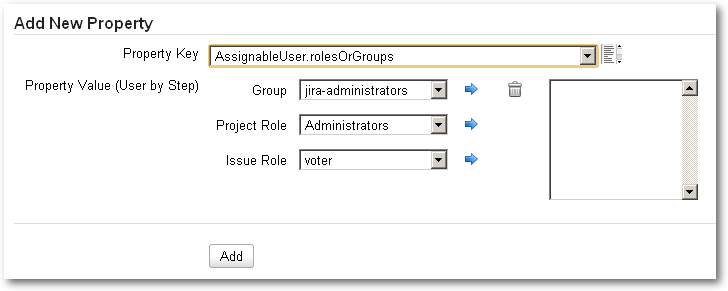
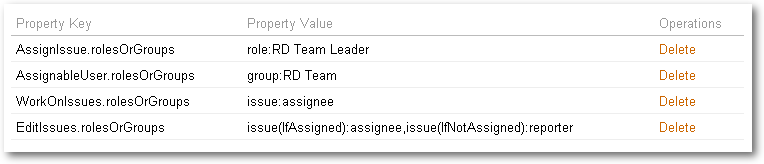
Manage permissions at JIRA's Workflow or Workflow Step level
- Allow or deny the Issue creation, edition, or deletion depending on a status.
- Define/Limit the scope of allowed users depending on the Workflow Step.
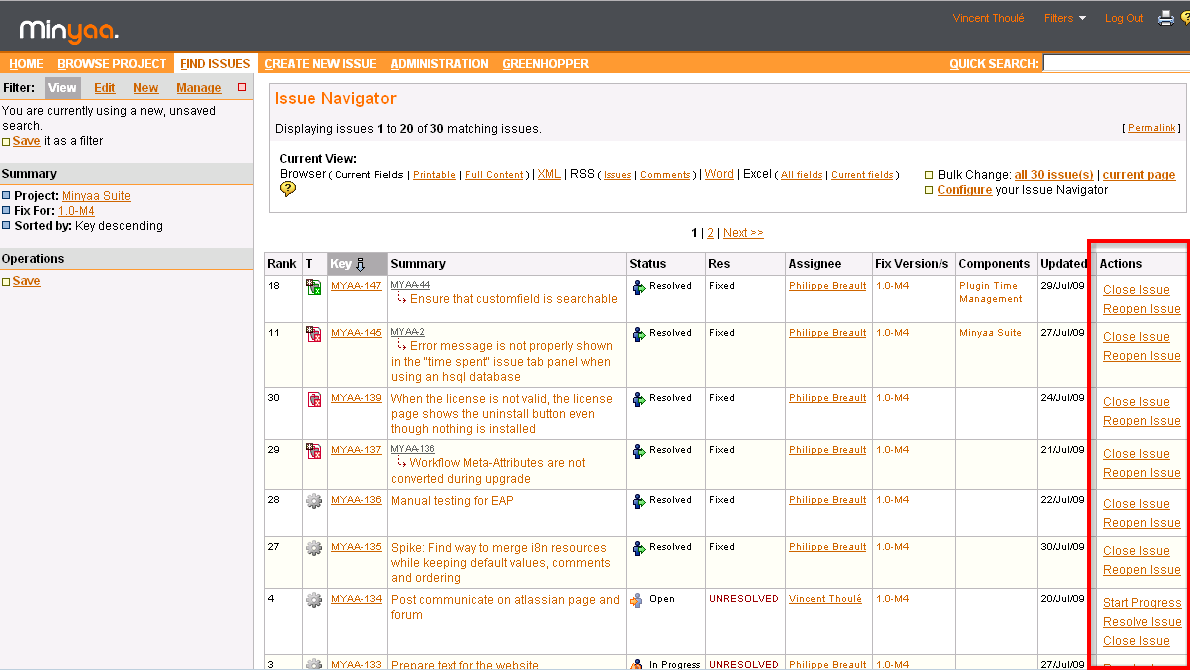
Perform a transition directly from JIRA's issue navigator
- Add a custom field to an issue to display allowed transitions.
(Obsolete since JIRA provides the Action gear)
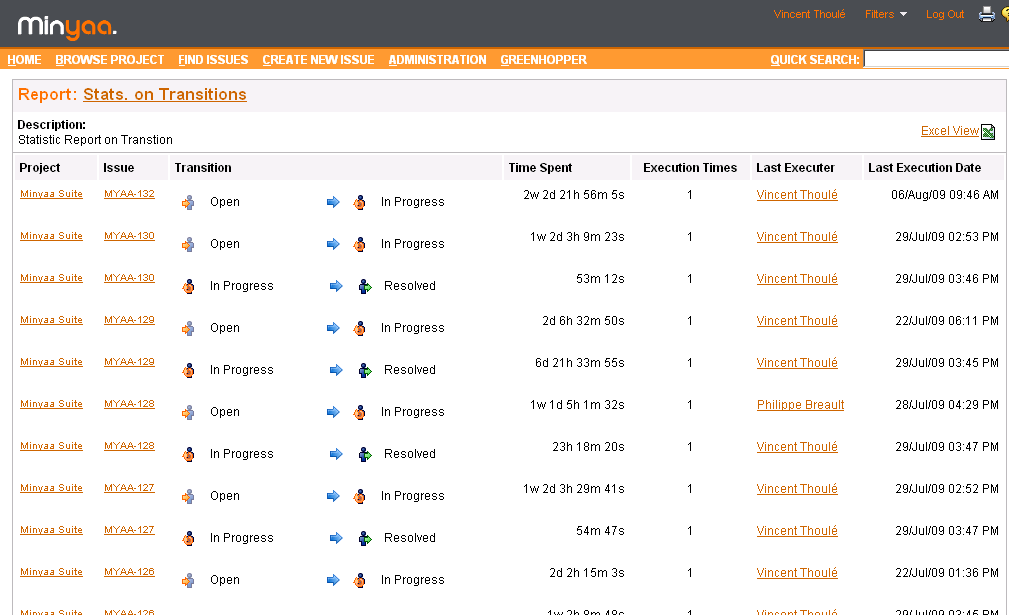
Get detailed reports on workflows' usage
- Retrieve all statistics on workflow's transitions in an aggregate view (e.g. elapsed time between transitions, how many times the issue went through the transition, etc.).
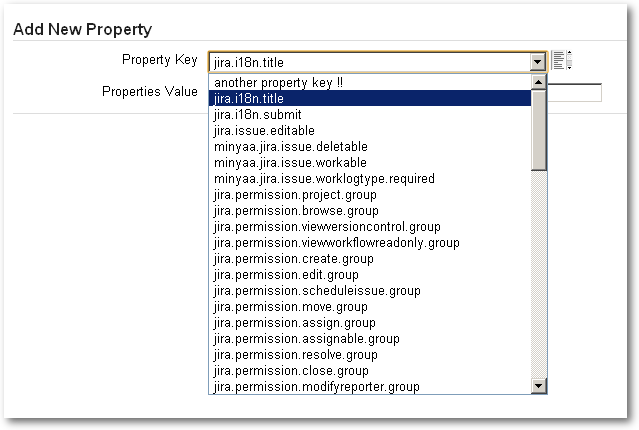
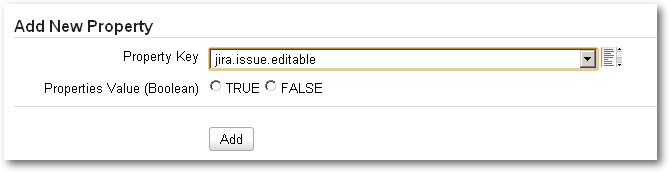

Edit easily your Worklow's Meta-Attributes
- A List of known Meta-Attributes is provided
- Each with a dedicated Editor
- String Editor
- Boolean Editor
- UserByStep Editor